A notebook for your money
Finally, one place that shows how much you actually have — in the currency you choose, at the NBU rate. Jot it down in 5 seconds, sort it out in the evening.
Sound familiar?
You roughly know how much you have. But exactly — never.
Euros landed on Wise. Zloty stayed in a Polish bank. Hryvnia — on monobank. And every time you want to know «how much do we have» you have to open several apps and do some math in your head.
Budget Manager is one place for all of it. Manual entry is not an inconvenience. It is the feeling of being on top of things — instead of an app doing it for you.
Popular tools don't quite fit the Ukrainian reality:
- Excel — flexible, but lifeless: no currencies, no rates, no phone.
- Notion — nice, but it is not a financial tool.
- A foreign tracker — no hryvnia, no NBU rate, no Ukrainian reality.
Why it helps
More than a plain expense tracker
Built for life between currencies: hryvnia, euro, zloty and dollar together, at the current rate.
Capital in each currency
How much you really have: per currency and in a hryvnia equivalent. A whole picture of capital, not a number in monopoly money.
The official rate, not a market one
Every amount is converted at the official central-bank rate actually used in the country — the NBU rate for Ukraine — not a market or Google rate.
The rate at purchase — forever
Bought dollars at 41 — it records 41, not today’s rate. You always know how much you really paid.
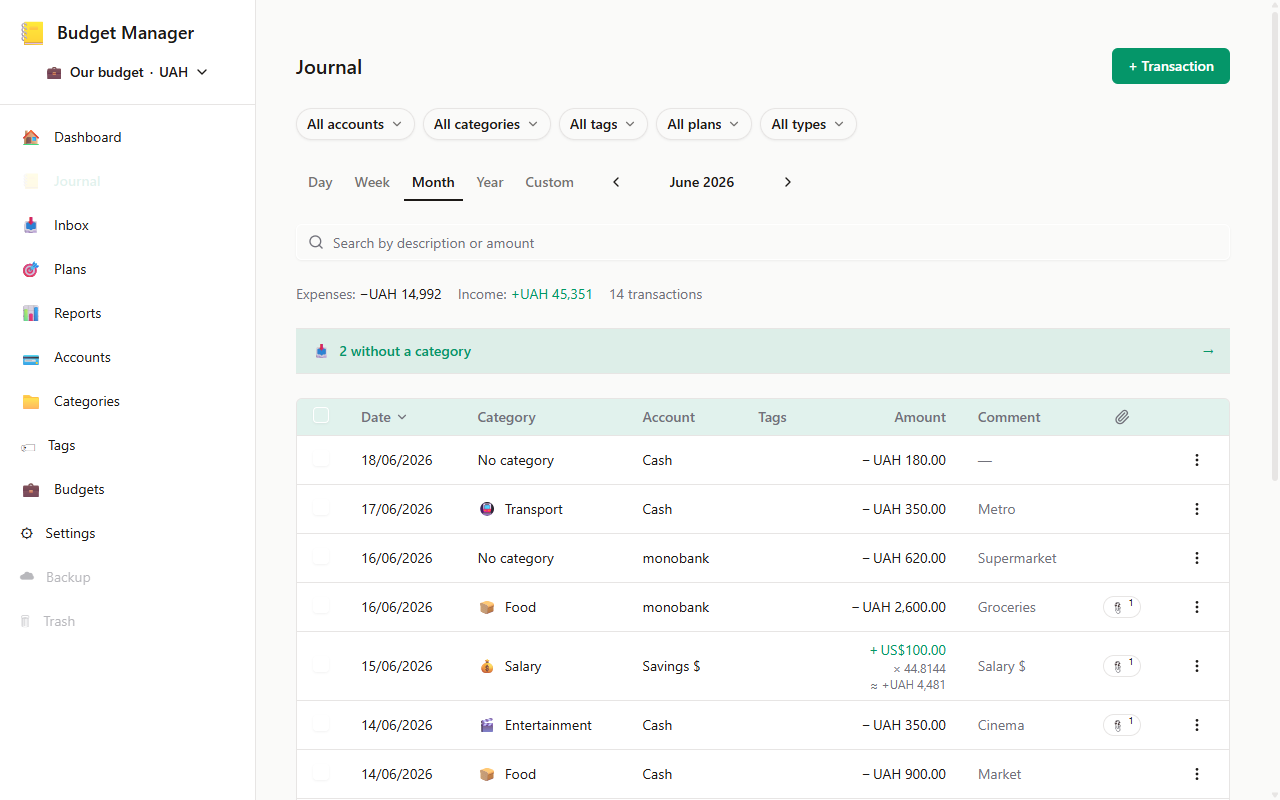
Record now — sort it out later
Spent money — record it now, set the category later. Nobody will nag or shame you.
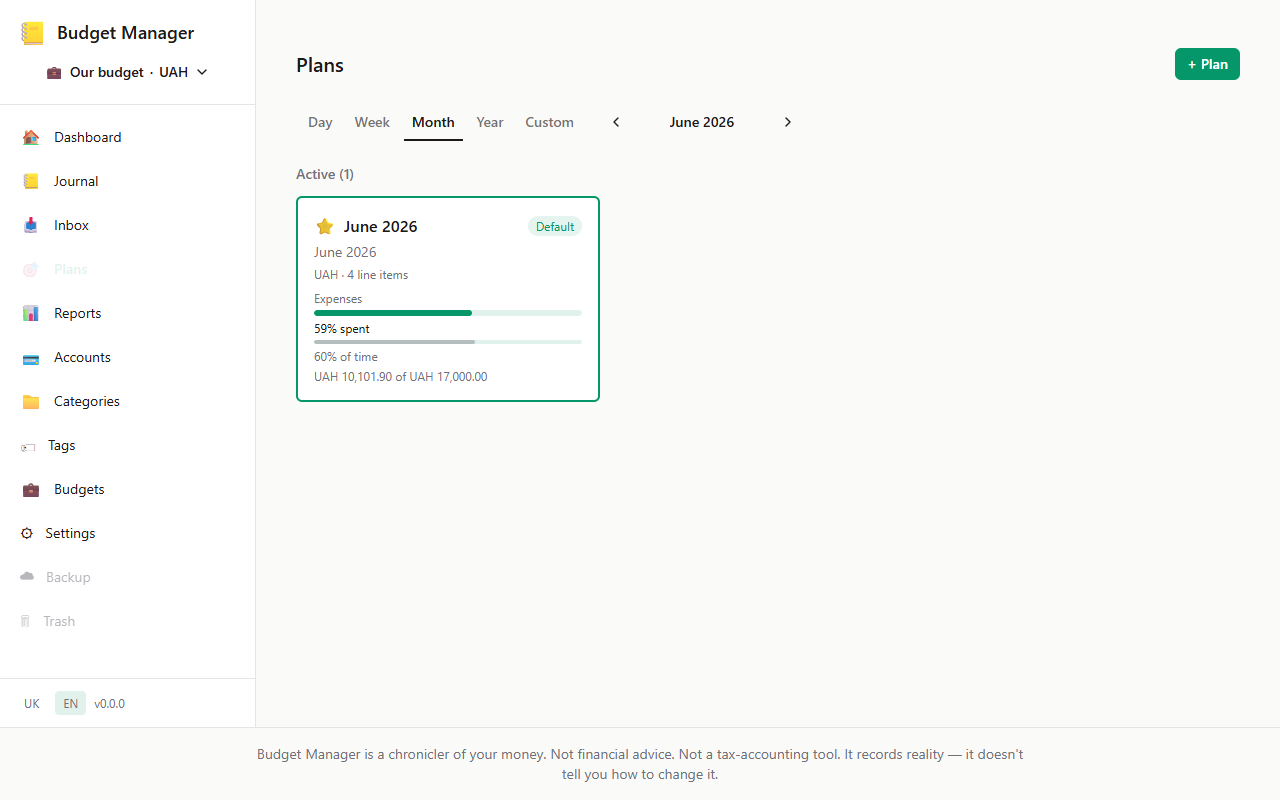
Plans — if you want. Fine without them too.
Want to plan spending — there are handy plans. Don’t want to — just record. The app never forces you to live on a budget.
Your data is yours
Your data is only yours. Export everything in one click or delete your account entirely. No questions asked.
How it works
Jot it down on the go — sort it out in the evening
No need to file everything neatly right away. The main thing is not to lose it.
-
Quick capture on your phone
Even one-handed in the dark at 23:47 — a few taps and the operation is saved. No mandatory category, no rush.
-
Sorting over coffee
Sat down at the laptop — set categories, looked at where you spent more, compared with last month. No rush, when you’re in the mood.
-
An honest Friday picture
Friday evening, coffee, laptop. You open it — and in a couple of minutes you know how the week went. Not because you have to, but because it became a habit.
What it looks like
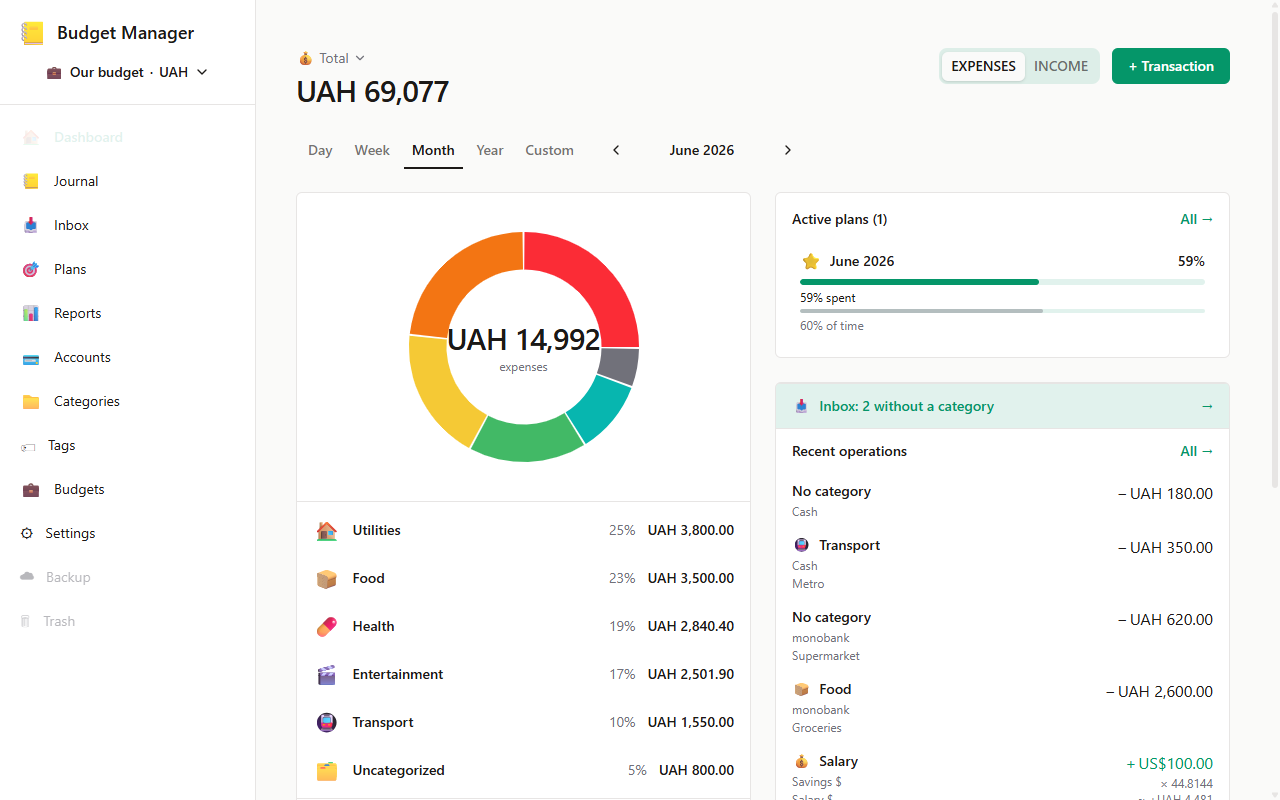
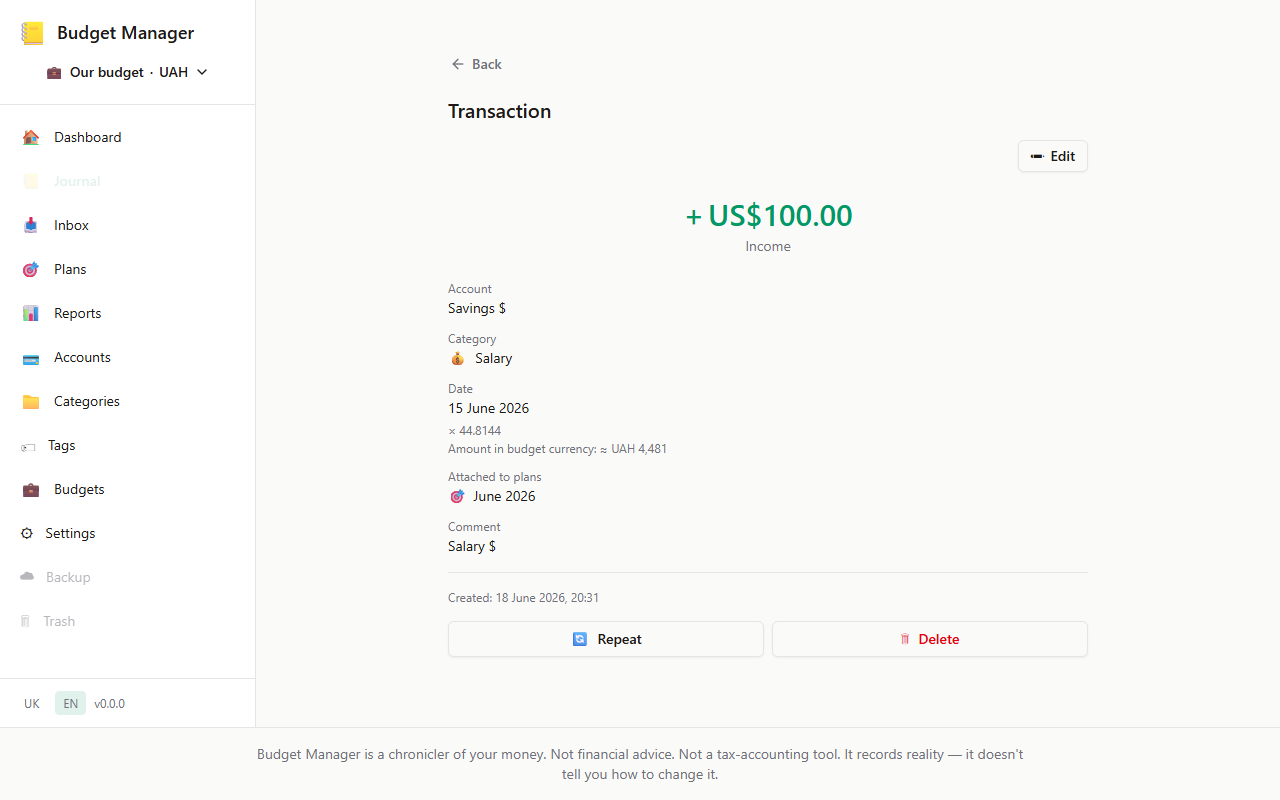
Real screens from the app
No drawn mockups — these are real screens.
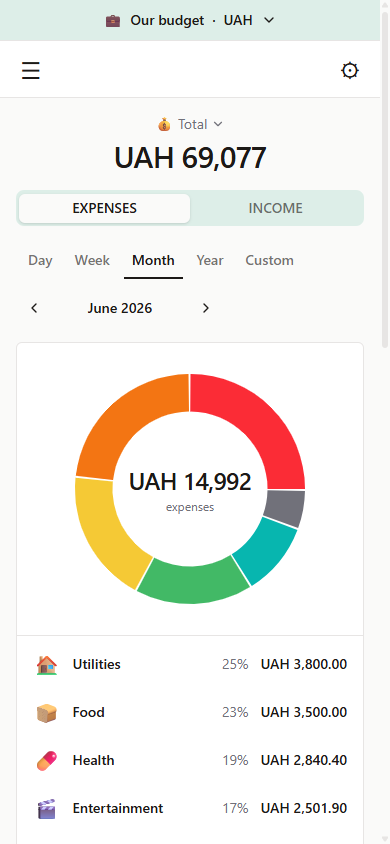
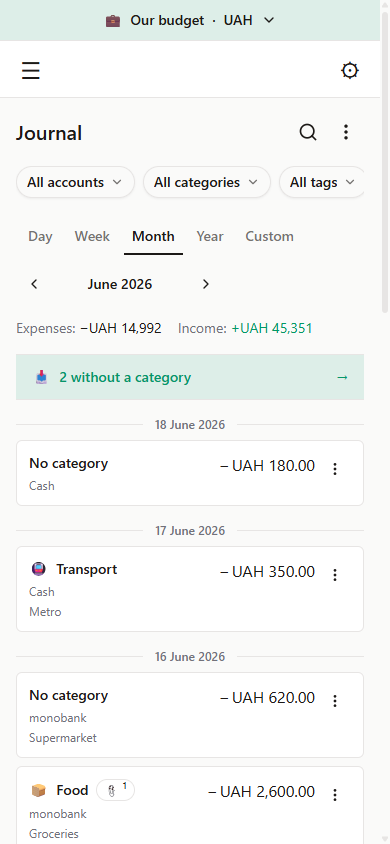
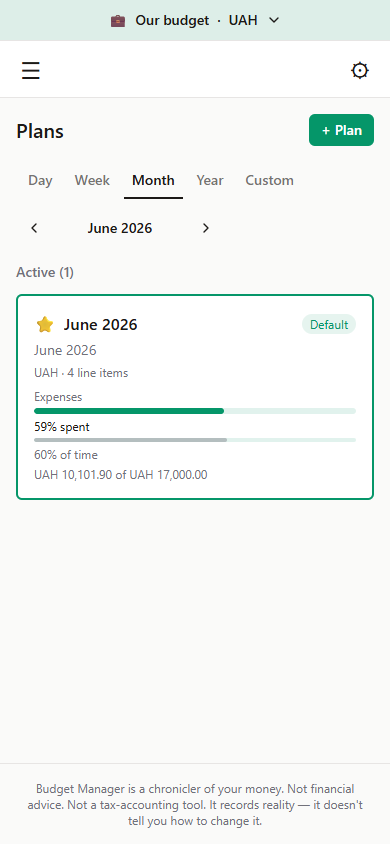
Just as convenient — from your phone
The same product in your pocket: record an operation in 5 seconds, glance at the picture anytime.
Who already uses it
Built for myself — tested on myself
I was tired of keeping money in my head and switching between two apps. I wanted one place — simple, nothing extra. Built it for myself. Now I can’t imagine being without it.
Simple and informative. Recording an expense takes a second, and you immediately see the whole picture. Nothing extra.
Questions & answers
The essentials, briefly
How do I get access?
Access opens via a link — click «Try it for free» and you land straight in the app.
Is it paid?
No. For the close circle — free, with no hidden terms.
Do I have to connect a bank account?
No. The app has no access to your accounts — you enter expenses and income manually. It is a deliberate choice: you know every operation because you recorded it yourself.
Where is my data stored?
In the cloud, on a secure server in Frankfurt (eu-central-1). The data belongs only to you — it is never shared with third parties. You can export or delete your account anytime.
Is there a mobile app?
It is a web app adapted for the mobile browser. Open it on your phone — and it looks and behaves like a native one: handy to record one-handed on the go.
Can I run a budget together with a partner?
For now everyone runs their own budget separately. A shared family budget is planned and is one of the next steps on the roadmap.
Ready to see the honest picture?
Built by one person for their family. Not a startup, not an ad. The core features — free forever. If this idea resonates with you — give it a try.